Every tool you need to work with videos, in one place
Every tool runs directly in your browser — 100% free, no watermark, and your videos never leave your device. Cut, merge, subtitle, compress, reframe or edit from Claude, ChatGPT or Grok in a few clicks.
- MCP
Edit with Claude, ChatGPT & Grok
Connect any MCP AI (Claude, ChatGPT, Grok and more): your assistant builds the edit live on your timeline while your footage stays on your device. No React code, no watermark.
-
Add subtitles
Speech recognition runs on your device. Free, no watermark, and your audio never leaves your computer.
-
Video to SRT / VTT
Whisper transcribes the speech right on your device. Review the text, fix any word, and download a clean .srt or .vtt file — free and without uploading your video.
-
Auto-reframe & face tracking
Turn a 16:9 landscape video into 9:16 for TikTok, Reels and Shorts: face tracking runs on your device, follows movement smoothly and cuts to whoever is speaking.
-
Edit video by text
A free, local-first Descript alternative in your browser: transcribe speech on your device, click the mistakes or tangents to remove, and the video cuts right where they're said.
-
Turn a video into Shorts
Your Claude or ChatGPT finds the best moments, Excalideo turns each into a 9:16 Short with subtitles. No extra subscription, no watermark.
-
Cut a video
Keep the part you want and remove the rest. Free, no watermark, no upload.
-
Remove silences
Pauses are detected and cut automatically. Free, no watermark, no upload.
-
Compress a video
Reduce the size of a video without uploading it. Free, no watermark.
-
Resize a video
Switch to 9:16, 1:1 or 16:9 in one click. Free, no watermark, no upload.
-
Remove green screen
GPU-accelerated chroma key in your browser: key out green, blue or any custom background color, drop your new background underneath, and export clean MP4.
-
Add music to video
Import your own audio file or pick a royalty-free track right inside the editor. Adjust volume, fades and let the music duck smoothly under speech.
-
Add text to video
Place titles, hooks, callouts and animated numbers directly on the preview. Pick a ready-made style, highlight *keywords* in color, and export clean MP4.
-
Record a voice-over
Watch your video play while you record from your microphone right in the browser, or import an existing voice recording. Background audio automatically ducks under your voice.
-
Merge videos
Select two or more clips from your device: they line up back-to-back on the timeline right away. Reorder them, add optional transitions, and export a single MP4.
-
Speed up or slow down video
Pick a speed preset (from 0.25× slow motion up to 6× fast-forward) or fine-tune any custom speed in the editor. Instant preview, clean MP4 export, no watermark.
-
Mute video
Strip the audio track out of your video directly in your browser. Compatible MP4/MOV clips remux in seconds without re-encoding the picture, and nothing is ever uploaded.
-
Extract audio from video
Pull the audio track out of any video file right in your browser and save it as lossless WAV or compact M4A. Nothing is uploaded, no account required.
Use cases
Built for your workflow
See how creators, editors, podcasters, developers, marketers and educators use Excalideo day to day.
-
 Content creators
YouTube · TikTok · Reels · Shorts
Content creators
Cut silences, reframe 9:16 with face tracking, style captions and spin long videos into Shorts.
-
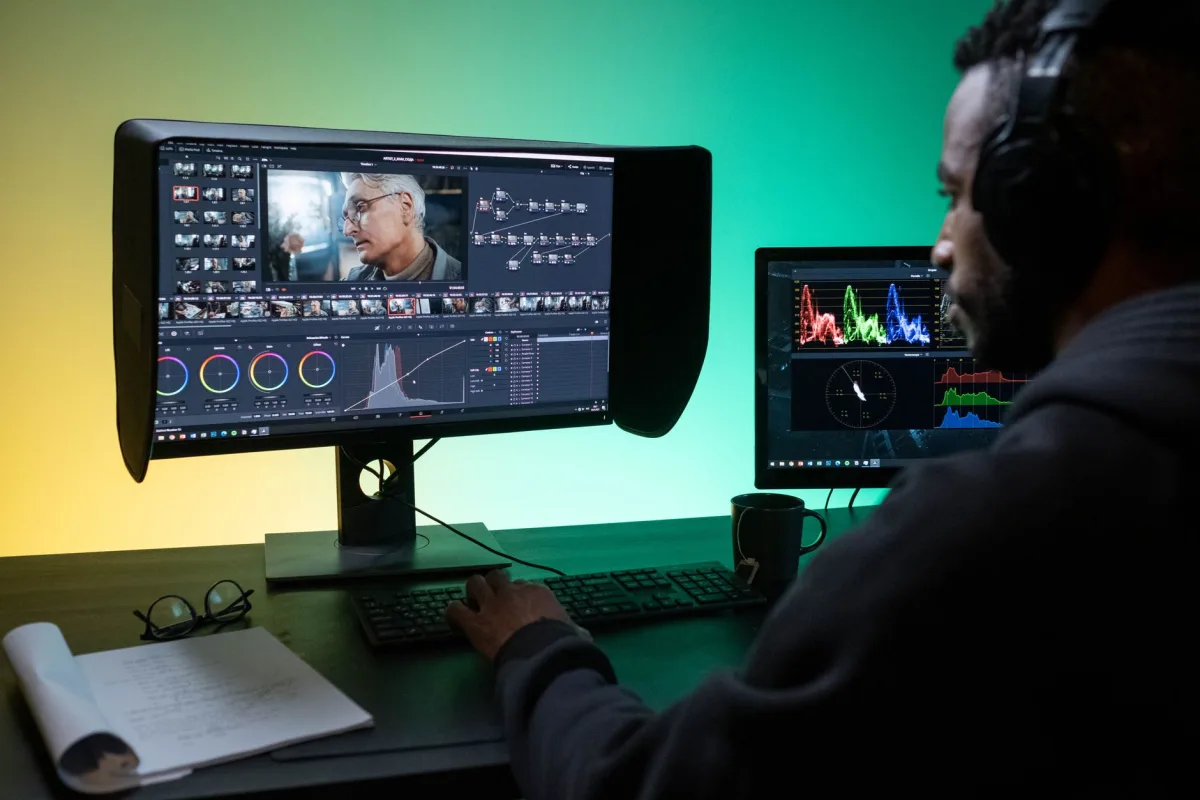 Video editors & freelancers
Rough cuts · Client deliverables · Privacy
Video editors & freelancers
Text-based rough cuts, SRT/VTT deliverables, silence cleanup and NDA-safe local processing.
-
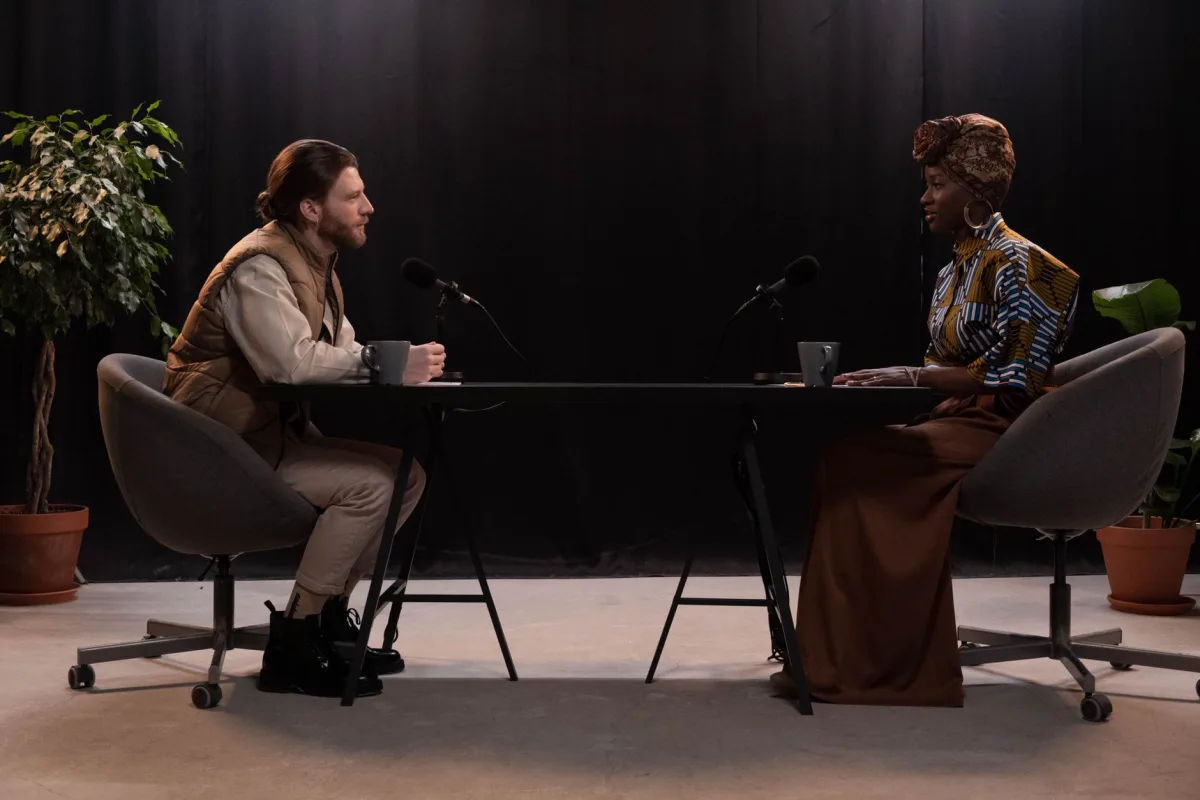 Podcasters & interviewers
Video podcasts · Multi-speaker · Clips
Podcasters & interviewers
Active-speaker face tracking, auto split-screen exchanges, text cutting and clean audio extraction.
-
 Developers & indie hackers
Product demos · MCP · Remotion companion
Developers & indie hackers
Pilot a live browser timeline via MCP from Claude, ChatGPT or Grok, and composite Remotion animations.
-
 Marketers & social managers
Campaigns · Social formats · LinkedIn
Marketers & social managers
Multi-format 9:16 / 1:1 / 16:9 resizing, social safe zones, animated titles, music and SRT captions.
-
 Educators & course creators
Courses · Tutorials · Accessibility
Educators & course creators
Tighten lessons by text, record voice-overs, export accessible SRT/VTT captions and compress for LMS.