Two years ago, stacking aggressive zooms, loud whoosh sound effects every second, and neon bouncing captions was enough to stop the scroll. In 2026, that formula backfires: viewers have built an instant filter for over-edited templates and generic AI slop.
The creators winning right now on YouTube Shorts, Instagram Reels, and TikTok have shifted toward a “raw-premium” style: natural framing, an authentic human voice, zero visual gimmickry — backed by surgical editing rhythm underneath.
Here are 6 practical editing techniques that move your retention curve — and how to apply them in minutes on your next video.
1. Win the 3-second swipe zone (edit anti-chronologically)
Between 30% and 50% of viewers swipe away in the first three seconds. On YouTube Shorts — where the recommendation engine is now decoupled from your long-form library — that opening swipe-away rate makes or breaks distribution.
The most common mistake is opening with polite setup (“Hey guys, today I’m going to show you…”).
The anti-chronological fix: start on the payoff, tension, or surprise — then rewind into the explanation.
- Before: “Today I tested three $20 lapel mics to see which one actually sounds good.” (5 seconds burned)
- After: “This $19 mic just beat my $250 studio mic — listen to the difference.” (visual hook + clear stake at 0.0s)
Timeline tip: zoom in on frame zero and trim the half-second breath before your first syllable. Starting cleanly on the beat immediately lifts early retention.
2. Aim for the 21–34 second sweet spot and cut dead air
Even though YouTube Shorts and TikTok support clips up to 3 minutes, short-form videos that consistently clear 65%+ retention still cluster around 21 to 34 seconds (and rarely go past 45 seconds without a strong story arc).
Every pause, filler word, and hesitation leaks viewers. Instead of slicing every breath manually:
- Run automatic silence removal to tighten dead air while keeping a natural human cadence.
- Or use text-based video editing to read your script like a document and delete redundant sentences with a single keystroke.
3. Treat kinetic subtitles as art direction, not an afterthought
A huge share of vertical views start on mute (commutes, offices, late-night scrolling). Captions are no longer a fallback accessibility layer — they are often the first thing your viewer reads.
What works in 2026:
- 3 to 5 words per line so the eye reads in one glance.
- Subtle keyword emphasis (accent color or clean word-by-word highlight) synced to your voice, without turning the screen into visual noise.
- Respect platform safe zones: keep captions above the lower description bar and clear of the right-hand buttons. In Excalideo, toggle the Social Overlay preview right over the player to check TikTok, Reels, and Shorts safe zones before you export.
4. Add a subtle pattern interrupt every 5 to 8 seconds
Attention drifts whenever a static talking-head shot holds too long without change. In 2026, pacing does not mean blinding your audience with flashing transitions.
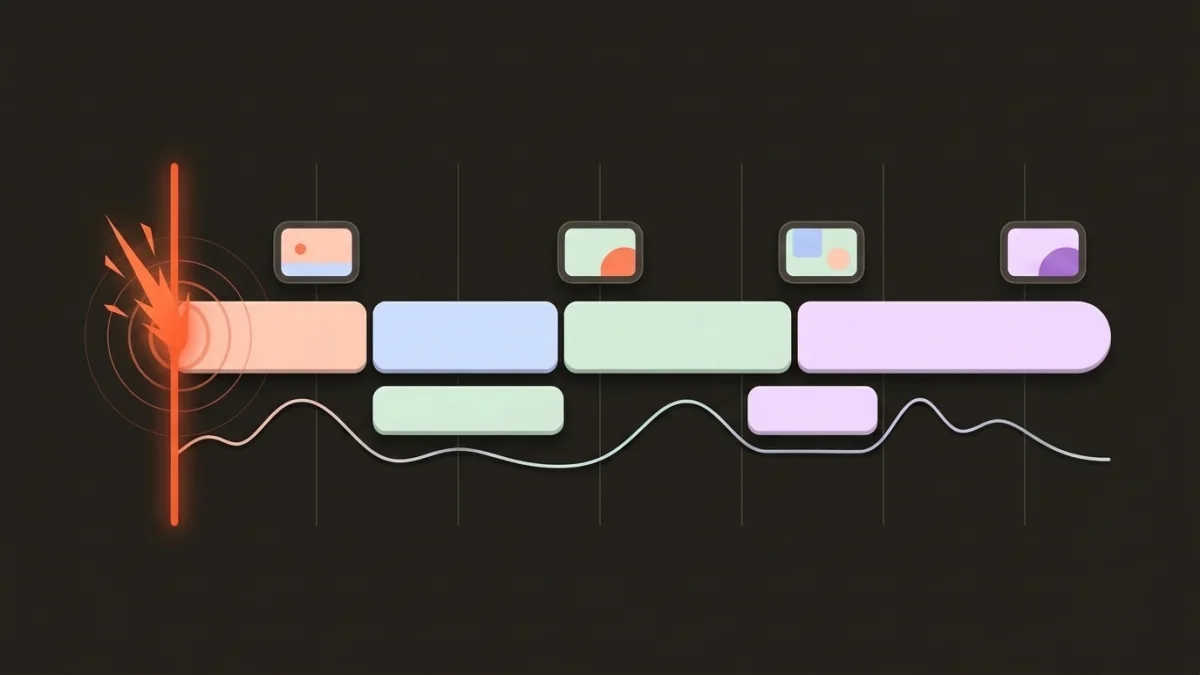
Rotate clean, invisible micro-variations instead:
- Gentle punch-ins (105% → 112%) using zoom keyframes on a key takeaway.
- A 2-second B-roll cut showing exactly what you are describing (dropped on the overlay track or cut directly in).
- An animated number or clean data visual whenever you quote a metric — motion charts reduce cognitive fatigue and earn saves.
5. Use sound design as your hidden pacing layer
Viewers happily forgive natural smartphone lighting. They almost never forgive quiet, uneven speech or background music fighting their ears.
Three quick audio habits that create an instant “raw-premium” feel:
- Normalize your voice so speech hits a consistent, confident level from frame one.
- Turn on automatic music ducking: keep a warm track underneath for energy, let it dip cleanly whenever you speak, and breathe back up between beats.
- Save sound effects for real moments: skip the whoosh on every cut — use one subtle accent when a chart, result, or punchline lands.
6. Repurpose long videos cleanly — and never cross-post watermarks
Platforms have cracked down hard on lazy re-uploads: YouTube Shorts actively detects and suppresses videos carrying a TikTok watermark (and vice versa).
When you pull Shorts from a podcast, interview, or horizontal YouTube video:
- Always export a clean, watermark-free master for every platform.
- Use on-device auto-reframe to turn 16:9 footage into smooth 9:16 with face tracking (including automatic split-screen when two speakers trade lines).
- If you use Excalideo’s built-in AI assistant (or Claude / ChatGPT over MCP), you can set up this whole retention pass in one prompt:
Apply the scroll-stopping pass to a clip
Remove all silences from this clip, reframe it to 9:16 with face tracking, add kinetic subtitles with highlighted keywords, add 3 subtle zoom keyframes on the strongest lines, and layer soft background music with automatic ducking under speech.
The 30-second pre-publish check
Before you hit Export, watch your cut once on mute and once with your eyes closed:
- On mute: is the hook obvious within 2 seconds from the visual and captions alone? Do any words collide with TikTok/Reels/Shorts UI buttons?
- Eyes closed: is there a dead pause at 0.0s? Does the music stay cleanly underneath your voice?
- At the end: does every sentence move the story forward, or can you shave 4 seconds of throat-clearing?
More often than not, those 4 trimmed seconds are what separate an 800-view clip from an 80,000-view breakout.
Frequently asked questions
What is the ideal length for YouTube Shorts, Reels, and TikTok in 2026?
For most creators, 21 to 34 seconds hits the strongest balance between storytelling depth and high completion rate — long enough to deliver a clear payoff, short enough to keep viewers watching to the end.
Do vertical videos still need subtitles in 2026?
Yes — especially clean, readable captions (3 to 5 words per line, strong contrast). Many viewers scroll on mute before deciding to tap for audio, so legible captions in the first two seconds directly reduce swipe-aways.